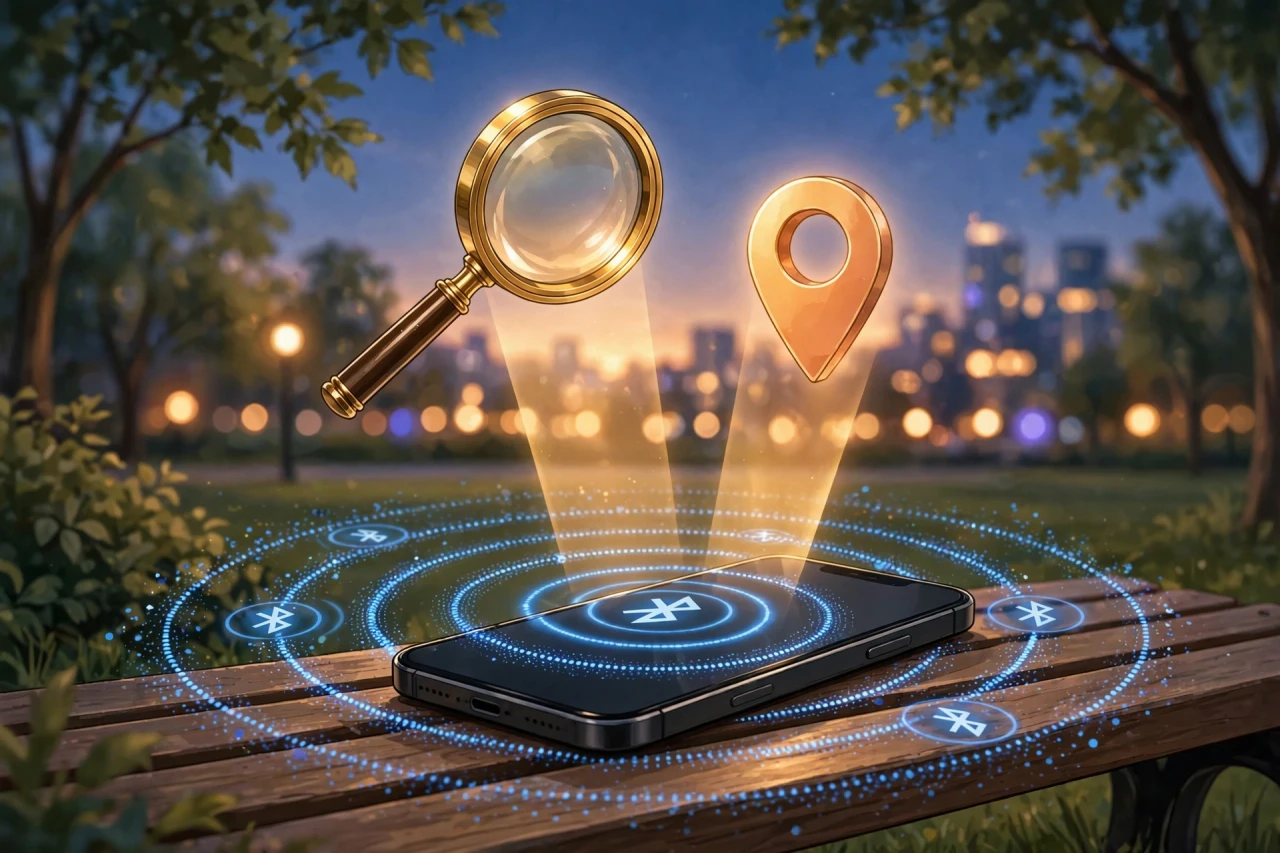
Losing your phone is bad. Losing it with a dead battery or no signal feels hopeless — but it is not. Both Apple and Google now run offline finding networks that can locate a phone with no Wi-Fi, no cellular signal, and in some cases even when it is powered off. Here is how to find your lost phone even when it is offline — and the settings you must enable
before it goes missing.
Set up offline finding on iPhone (do this now)
Apple's Find My network uses hundreds of millions of nearby Apple devices to detect your lost iPhone via Bluetooth and report its location — encrypted, anonymously:
- Go to Settings → [your name] → Find My.
- Make sure Find My iPhone is on.
- Tap Find My iPhone and enable Find My network — this is the offline finding switch.
- Enable Send Last Location so your phone uploads its location when the battery is critically low.
On recent iPhones, the phone remains findable for several hours after it powers off or the battery dies, thanks to a power reserve for the Bluetooth beacon.
Set up offline finding on Android with Find Hub
Google renamed Find My Device to Find Hub, and it now runs a similar crowdsourced network of Android devices:
- Go to Settings → Security & privacy → Lost device protection (on some phones: Settings → Google → All services → Personal & device safety).
- Open Find Hub and make sure Allow device to be located is on.
- Set offline finding to "With network in all areas" for maximum coverage (or "in high-traffic areas only" if you prefer a privacy balance).
Requirements for offline finding to work: a screen lock (PIN, pattern, or password) must be set, and Bluetooth and Location should be on. Newer Pixel phones can also be located for a few hours after powering off.
Samsung phones: enable both systems
Samsung owners get two independent safety nets — use both:
- Go to Settings → Security and privacy → Lost device protection → Find My Mobile (SmartThings Find).
- Turn on Allow this phone to be found, Send last location, and Offline finding.
- Keep Google's Find Hub enabled as well — the two networks complement each other.
How to actually locate it when it is lost
iPhone
- On another Apple device: open the Find My app → Devices.
- On any computer or a friend's phone: go to iCloud.com/find and sign in.
Android
- On any device: open the Find Hub app or go to android.com/find and sign in with your Google account.
- Samsung: also check SmartThings Find at smartthingsfind.samsung.com.
You will see the last known location on a map, plus the time it was recorded. From there you can:
- Play sound — rings at full volume even if the phone is on silent (perfect for "lost in the couch").
- Secure device / Mark as lost — locks it remotely and displays a custom message with a contact number.
- Erase — last resort: wipes the phone completely. Only do this once you have given up on recovery.
What to do in the first 10 minutes
- Call it from another phone — most "lost" phones are just misplaced nearby.
- Check the map via Find My / Find Hub to see if it moved (moved = someone has it).
- Play the sound if the map shows it nearby.
- Lock it remotely with a message ("Lost phone — please call…") if it is somewhere public.
- Do not chase a moving dot into an unfamiliar area alone — contact local authorities instead.
Extra protection worth enabling today
- Theft Detection Lock (Pixel and recent Android): Settings → Security & privacy → Lost device protection — locks the phone automatically if snatching-like motion is detected.
- Stolen Device Protection (iPhone): Settings → Face ID & Passcode → Stolen Device Protection — requires Face ID for sensitive actions when away from familiar locations.
- Write down your IMEI (dial *#06#) somewhere safe — carriers and police need it for theft reports and blocking.
The bottom line
Offline finding only works if you set it up before the phone goes missing. Take five minutes today: enable the Find My/Find Hub network, turn on Send Last Location, and set a screen lock. Future-you, standing phoneless in a parking lot, will be very grateful.
Disclosure: This post contains affiliate links. If you buy through them, I may earn a commission at no extra cost to you.




Comments
Post a Comment